
360 Total Security
Free antivirus with multiple security engines, real-time protection, and system optimization tools for Windows.

360 Total Security — Key Facts
- Latest Version
- 11.0.0.1172
- License
- Free
- Platforms
- Windows
- Category
- Antivirus & Security
- Price
- Free to download
- Official Site
- www.360totalsecurity.com
- User Rating
- ★ 4.5 / 5 (53 ratings)
- Tags
- free, lightweight, windows, portable
360 Total Security Screenshots
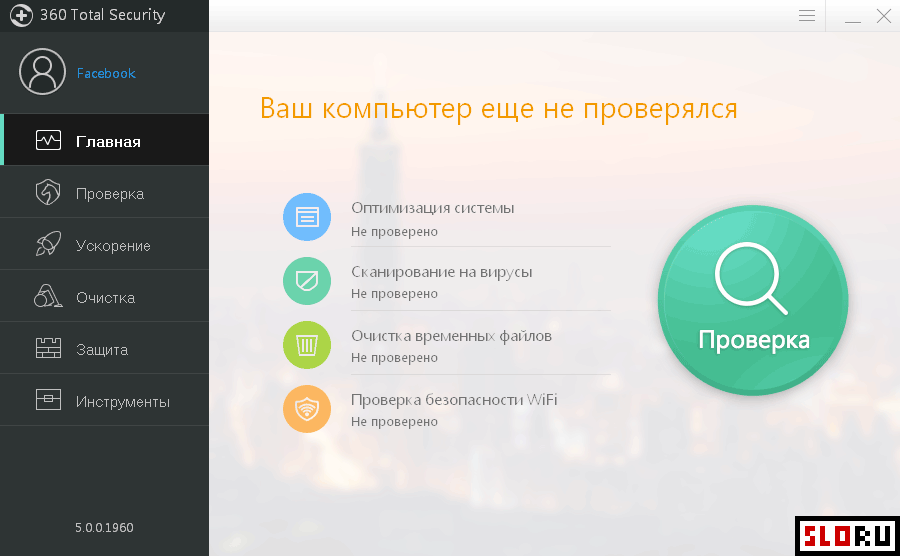
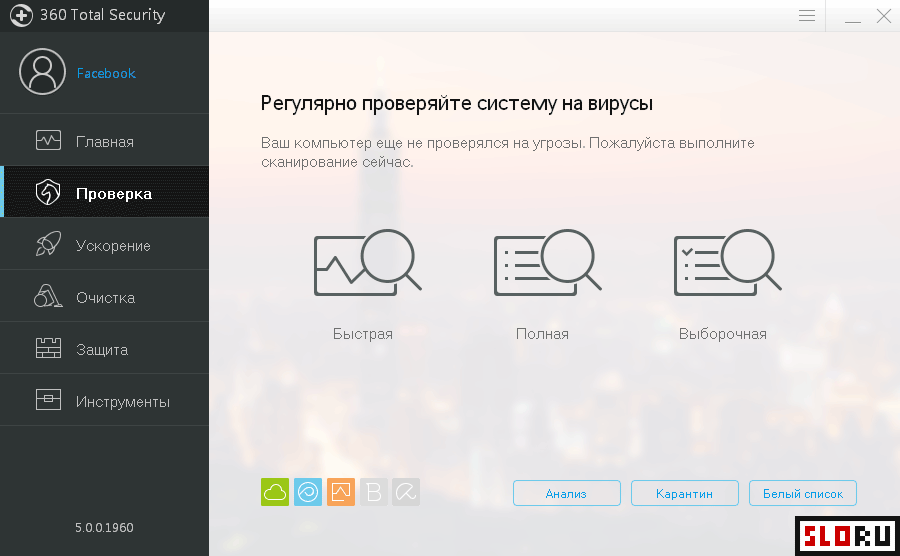
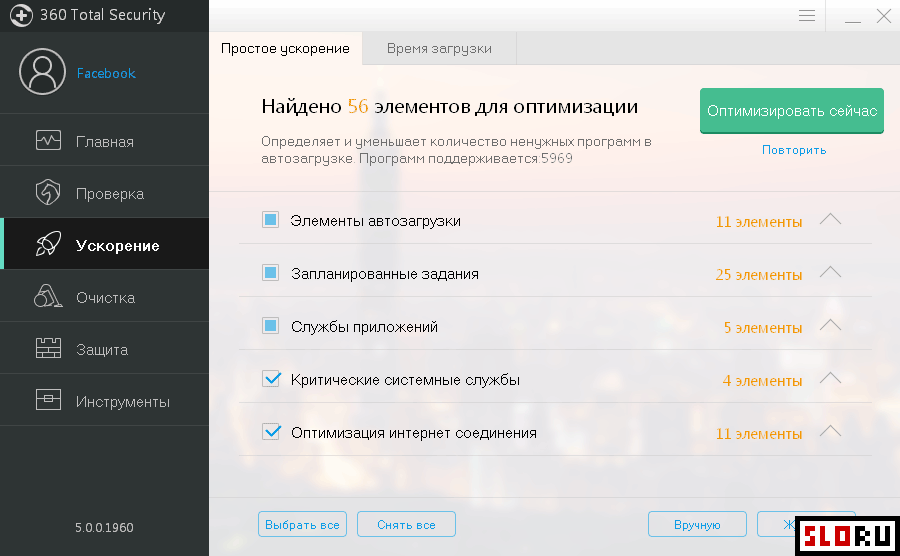
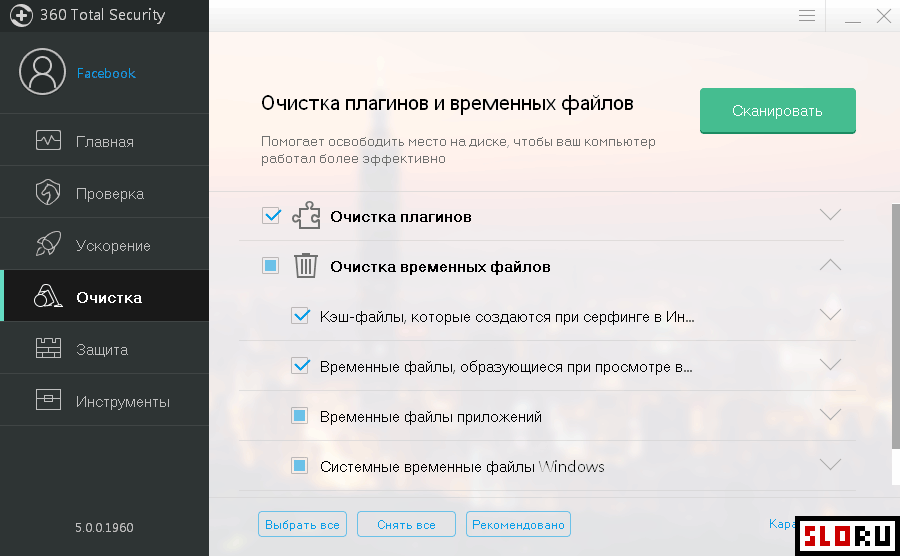
About 360 Total Security
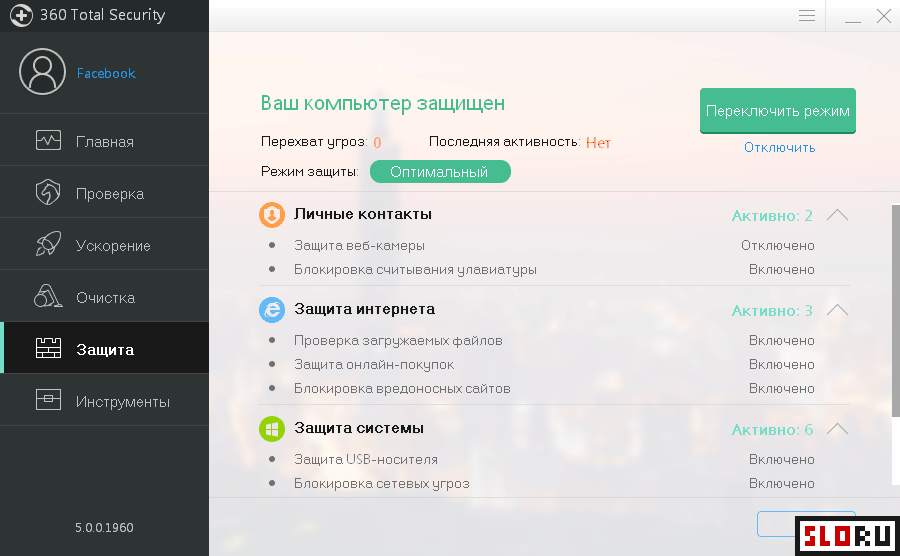
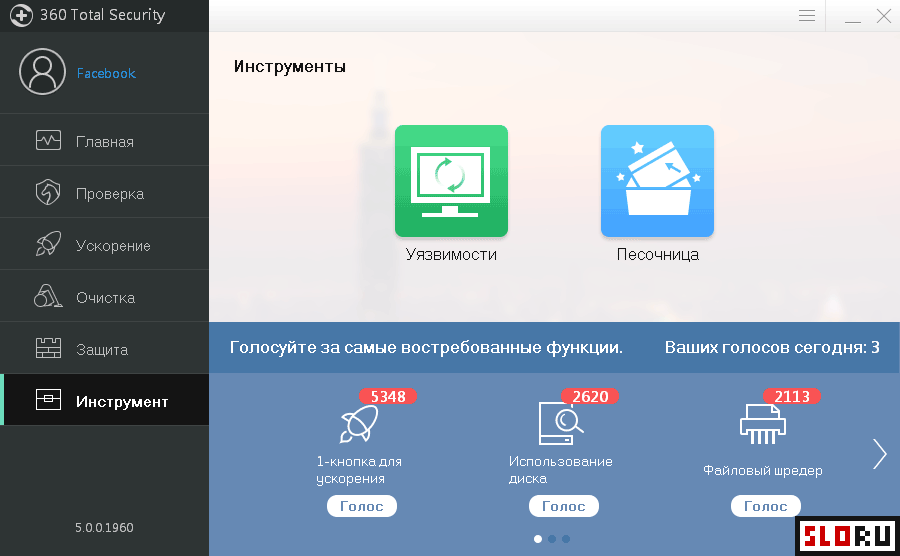
360 Total Security is a free antivirus application that integrates five distinct security engines to provide comprehensive computer protection. The software combines Avira, Bitdefender, 360 Cloud Engine, QVMII, and System Repair technologies—four engines dedicated to threat detection and one focused on system recovery. This multi-engine approach is designed to detect and neutralize malware across various threat categories. The application provides real-time protection, quarantine functionality, advanced scanning capabilities, and network intrusion prevention from both internet and local network threats. The platform delivers protection against malicious websites and includes a sandbox environment for executing suspicious applications safely. Users can download 360 Total Security to both prevent infection and remediate already-compromised systems. The software is categorized within solutions and runs on . Its straightforward interface requires minimal configuration, making it accessible to novice users while maintaining professional-grade security features. Resource consumption remains low, ensuring system performance is not significantly impacted during operation. Beyond security features, 360 Total Security incorporates system optimization utilities. The application includes performance acceleration tools, disk cleanup functions, and vulnerability scanning capabilities for identifying and resolving operating system weaknesses. These supplementary features position the software as an all-in-one solution rather than a dedicated antivirus alone. Users seeking a security application with integrated maintenance tools may find value in this distribution. The software is distributed as software, requiring no purchase or subscription for access to core functionality.
360 Total Security is a free antivirus & security available for Windows. Browse more free software or lightweight programs.